A garage for your fleet.
Add cars, pickups and work vehicles using plate, VIN or vehicle details. Keep vehicles recognizable with names, colors and groups.
MOBILE FLEET MAINTENANCE · METRO DETROIT
Bring oil changes, brake service and battery replacement to your business vehicles. Less arranging shop trips. More time for the work they’re here to do.
(248) 982-8366 · Personal vehicles welcome, too.
ONE PLACE TO KEEP TRACK
Add cars, pickups and work vehicles using plate, VIN or vehicle details. Keep vehicles recognizable with names, colors and groups.
Book more than one vehicle in a visit and select the services each needs. Parts and requirements are priced for the actual vehicle.
Keep service history, inspection reports, photos and billing records in your account. Review proposed extra work before approving it.
START WITH THE FLEET YOU HAVE
Whether your business has a few vehicles or is organizing a larger group, start with the vehicle list, parking location and work needed. We’ll discuss the fit and scheduling for your site.
READY WHEN YOU ARE
Create a business account, add the vehicles and start with the work that is due. Already a QuickFix customer? Sign in to use your saved garage.
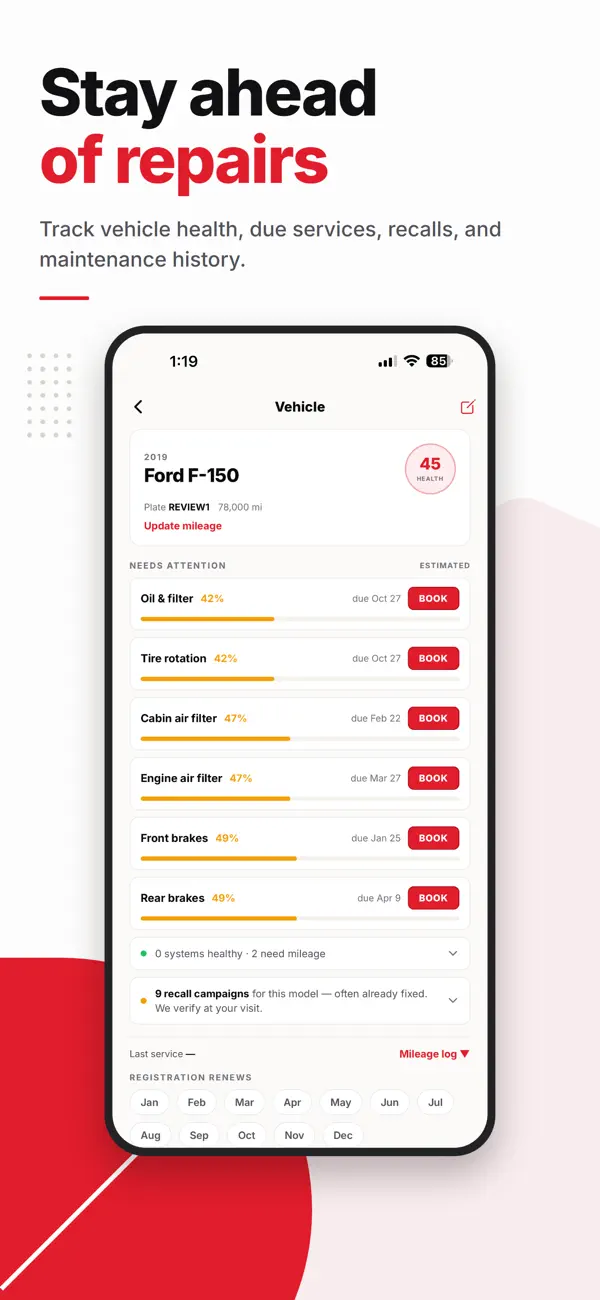
Manage vehicles and bookings on the website or in the QuickFix app for iPhone and Android.
Meet the app ↗App listing image. Example vehicle data.
THE VISIT, WITHOUT THE GUESSWORK
Use a plate, VIN or year/make/model. Select the services for each vehicle and review the quote.
Enter the service address, check availability and select an appointment at home or work.
See job updates, communicate with the mechanic and keep the service record in your account.
REAL VEHICLES. REAL WORK.
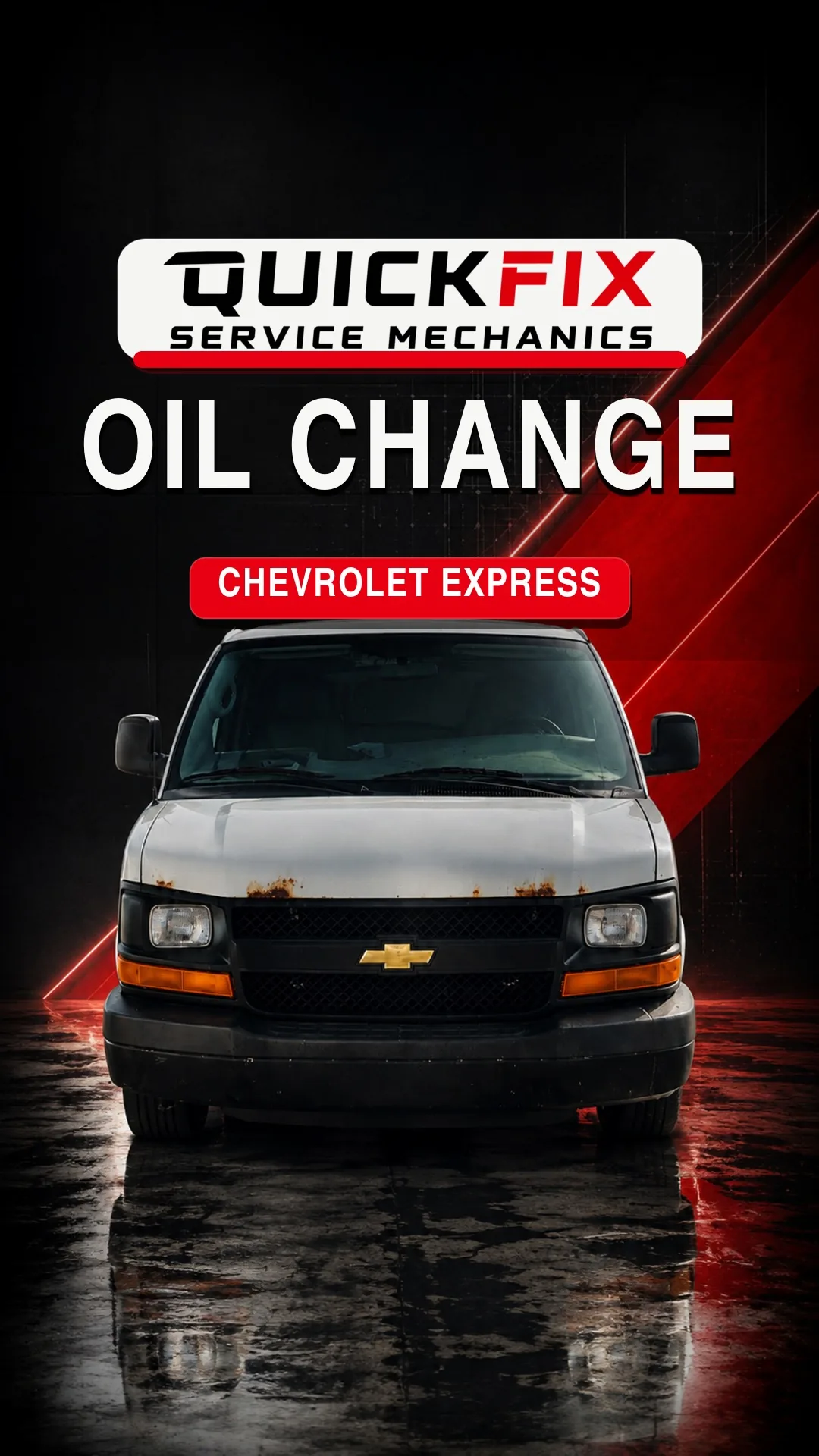
Watch QuickFix’s published oil-change videos, from a Chevrolet Express work van to a Cadillac XTS daily driver.
More from the workshopTHE WORK VAN Chevrolet Express ↗ THE DAILY DRIVER Cadillac XTS ↗
GOOD TO KNOW
Yes. Business accounts support multi-vehicle bookings with services selected for each vehicle. Confirm the service location and available appointment in booking; contact the team to discuss a larger fleet or site logistics.
Yes. You do not need a large fleet to discuss service. Tell us what vehicles you have, where they park and what work is due.
Eligible business multi-vehicle bookings can receive fleet savings. The quote applies the current rules and shows the actual discount; a conversation or account signup does not lock in a rate.
Net-30 invoicing is available to approved business accounts, subject to the account's credit limit and standing. It is not automatically enabled when an account is created.
The current business account keeps the fleet and bookings together. Contact QuickFix to discuss who will coordinate the account; separate driver and purchasing roles are not currently advertised as a feature.
Service is available in selected Metro Detroit ZIP codes. Check the ZIP where the vehicles will be parked. The service-area page uses the same active territory data as booking.
PERSONAL VEHICLE OR BUSINESS FLEET
Check the service ZIP. See your quote. Choose a time that works.